
Introduction
Turn a Wayback Machine capture into a portable static website.
Wayback Restorator restores archived pages and assets into a static website ZIP. Run it on your machine through a web dashboard or from your terminal.
Give it a Wayback capture URL. It discovers linked pages, downloads their assets, rewrites HTML and CSS references to local files, and packages the restored site. Each job also produces a JSON report with resource counts and capture details.
Start restoring
Follow the Quickstart to install Wayback Restorator and restore your first capture.
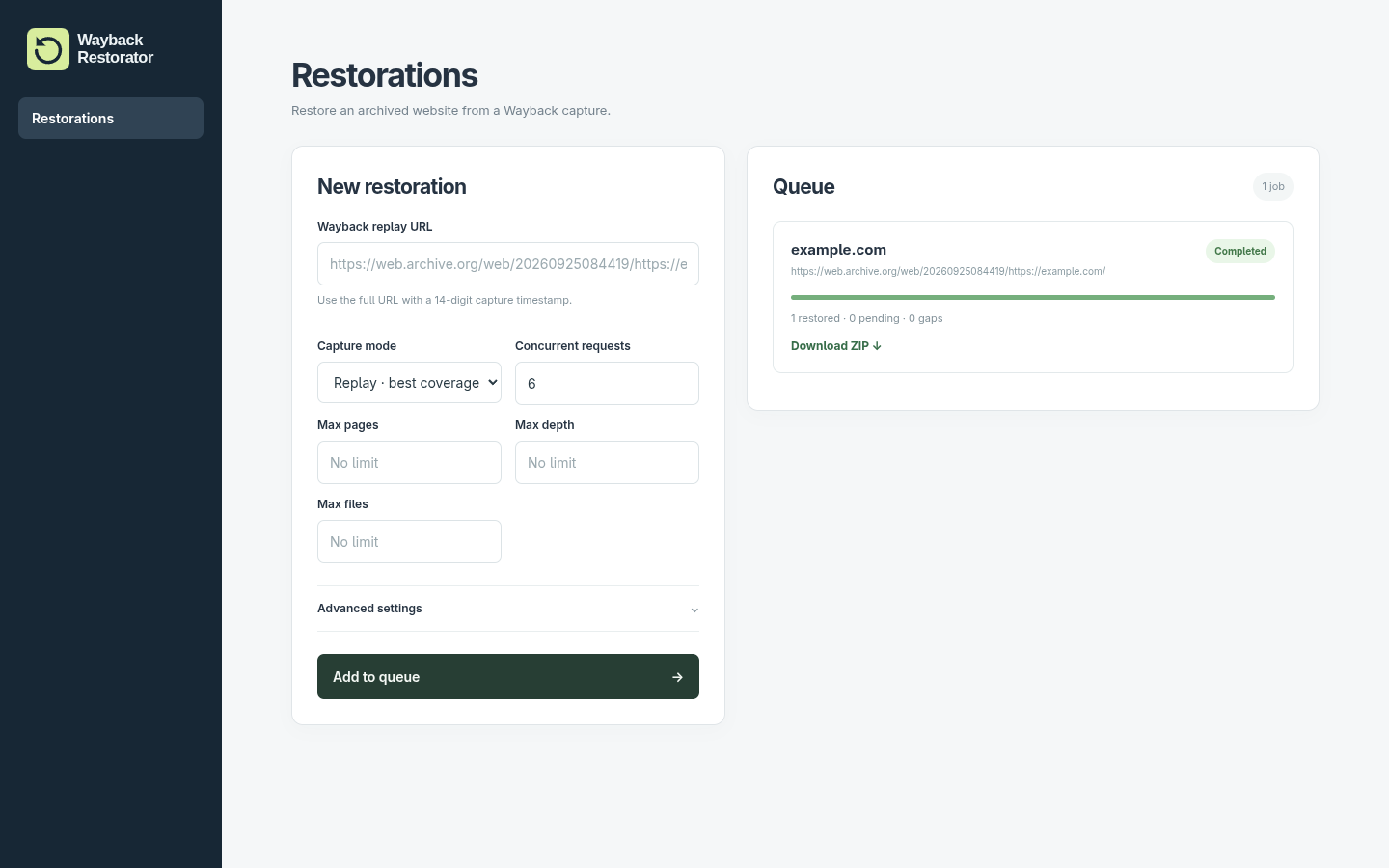
- Dashboard: paste a capture URL, follow the queue, and download the finished ZIP.
- CLI: run restorations from your terminal, configure each run with options, and automate jobs with JSON output.
Work with your restorations
- Jobs save their progress so you can continue a restoration after restarting.
- Configuration controls capture selection, crawl scope, concurrent requests, and storage.
- Results explains the restored files and the job report.
- Plugins transform output before it is packaged, including changing path prefixes and cleaning external references.